See how included volume is counted
See how included volume is counted
The volume card on Subscription shows the month's volume against what your plan includes. The warning and the limit are rules, not a screen this guide describes.
Applies to
- The Merchant Dashboard on the web, at pay.tiankii.com.
- A store on any plan. The card is on Subscription, not on the home screen.
Before you start
- You are signed in.
Open the card
- Open your avatar. In User Profile, press Manage Subscription.
- Or open Quick Links (+) and press Add Credits. Those two names stay in English.
- On Subscription, find the card Volume this month.
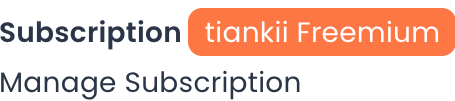
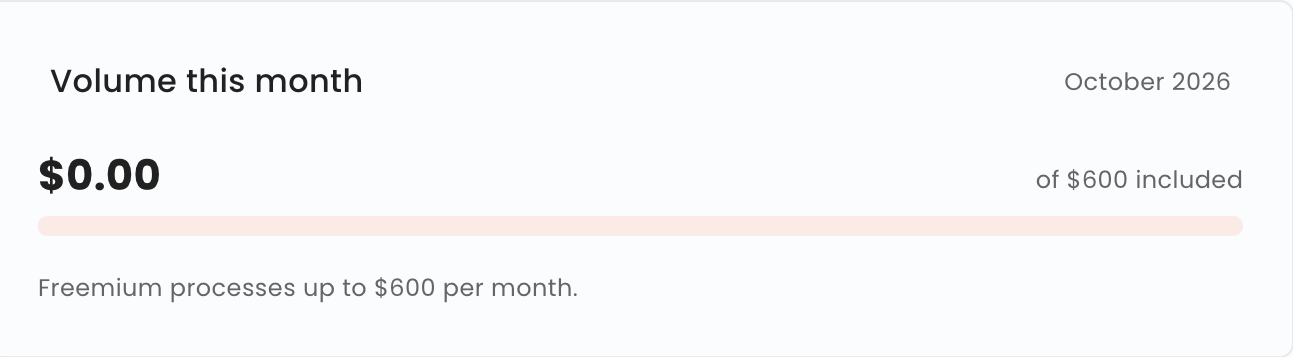
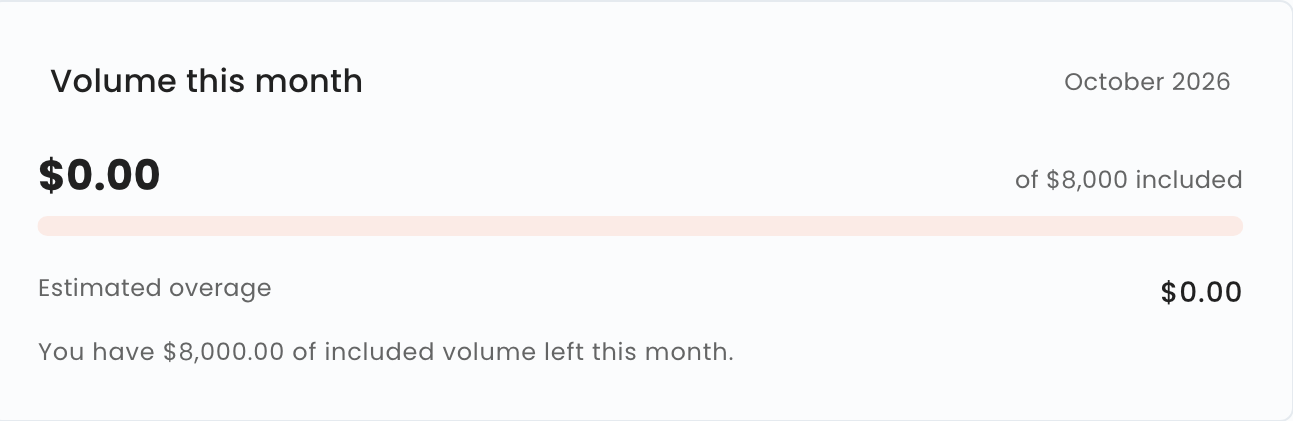
On Freemium the card shows the volume against $600 included, and the line Freemium processes up to $600 per month. On a paid plan it shows the volume against the included amount, the line Estimated overage, and how much included volume is left.
Volume is counted per calendar month, from the 1st to the last day of the month. Your billing period may start on a different day: they are two separate calendars.
The plan's own dates, Term started and Term ends, can fall on another day of the month. They are not the volume month.
When your monthly volume gets close to 80% of what your plan includes, the dashboard warns you.
This guide does not describe the text or the color of that warning. It was not on the screen we checked.
If you go past the included volume on a paid plan, you are not charged anything extra for that volume until we notify you that the overage charge is starting.
Estimated overage is a figure on the card. What gets charged follows the sentence above.
On Freemium, once your monthly volume reaches $600, the dashboard stops creating new payment requests. Moving to a paid plan restores it.
If your account was already active before Annex II of the Terms came into force, you keep your previous terms for the period that annex sets, and this rule does not apply to you before that period ends. If the dashboard stops creating your payment requests during that period, write to us at soporte@tiankii.com.
The full rule for each plan's included volume is in See what each plan includes.
Reaching the limit never affects your wallet, the bitcoin you've already received or your keys: tiankii has no access to them. What is limited is your use of the dashboard.
What you should see
The card names the month and shows your volume next to the included amount for your plan.
If something does not match
| What you see | What it means | What to do |
|---|---|---|
| No volume card on the home screen | The card is only on Subscription | Open Manage Subscription |
| Estimated overage on a paid plan | It is a figure on the card | What gets charged follows the notice sentence above |
Questions
Does reaching the limit touch bitcoin I already received? No. Reaching the limit never affects your wallet, the bitcoin you've already received or your keys.
I am on Freemium and the monthly volume reaches $600. The dashboard stops creating new payment requests. Moving to a paid plan restores it.